
2026-10-10
New app icon
- Home screen and notification icons refreshed
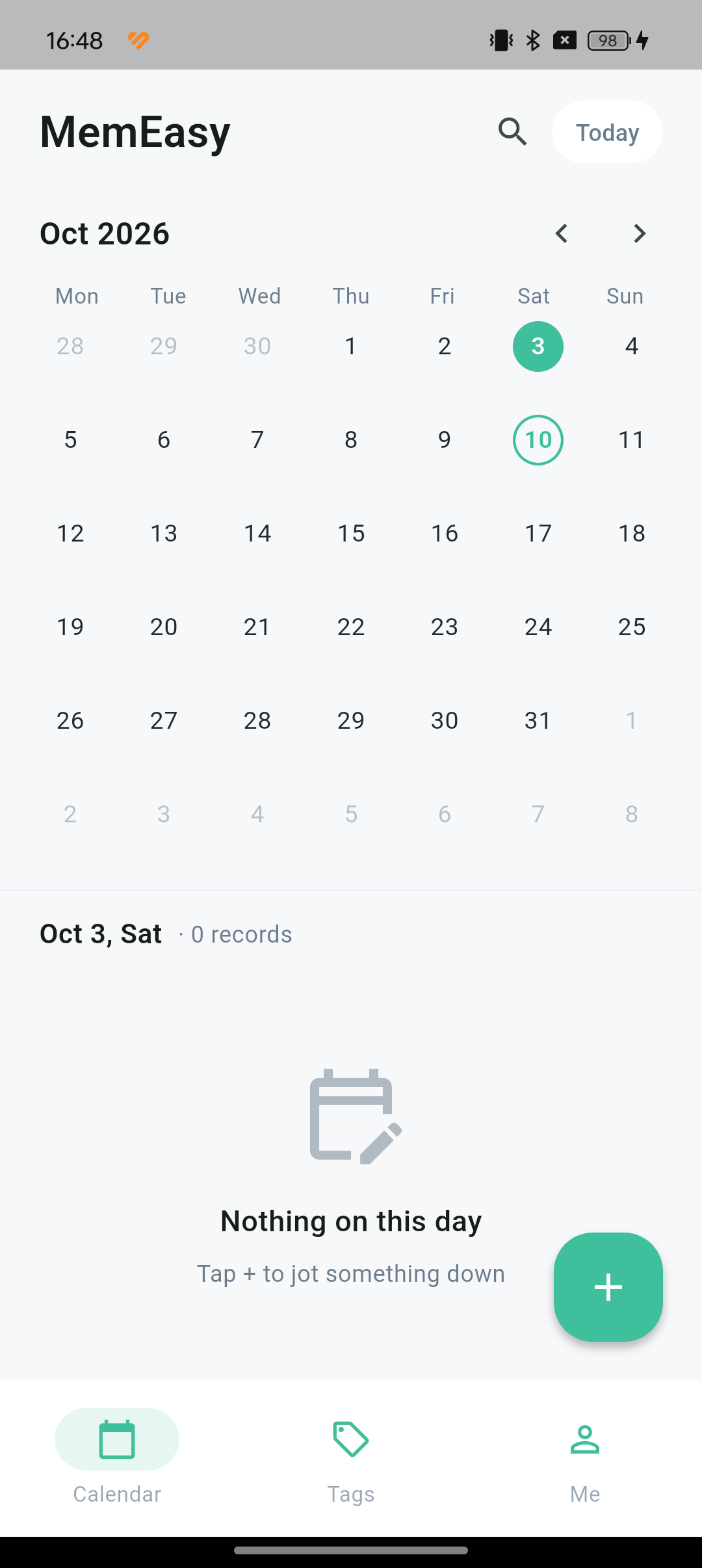
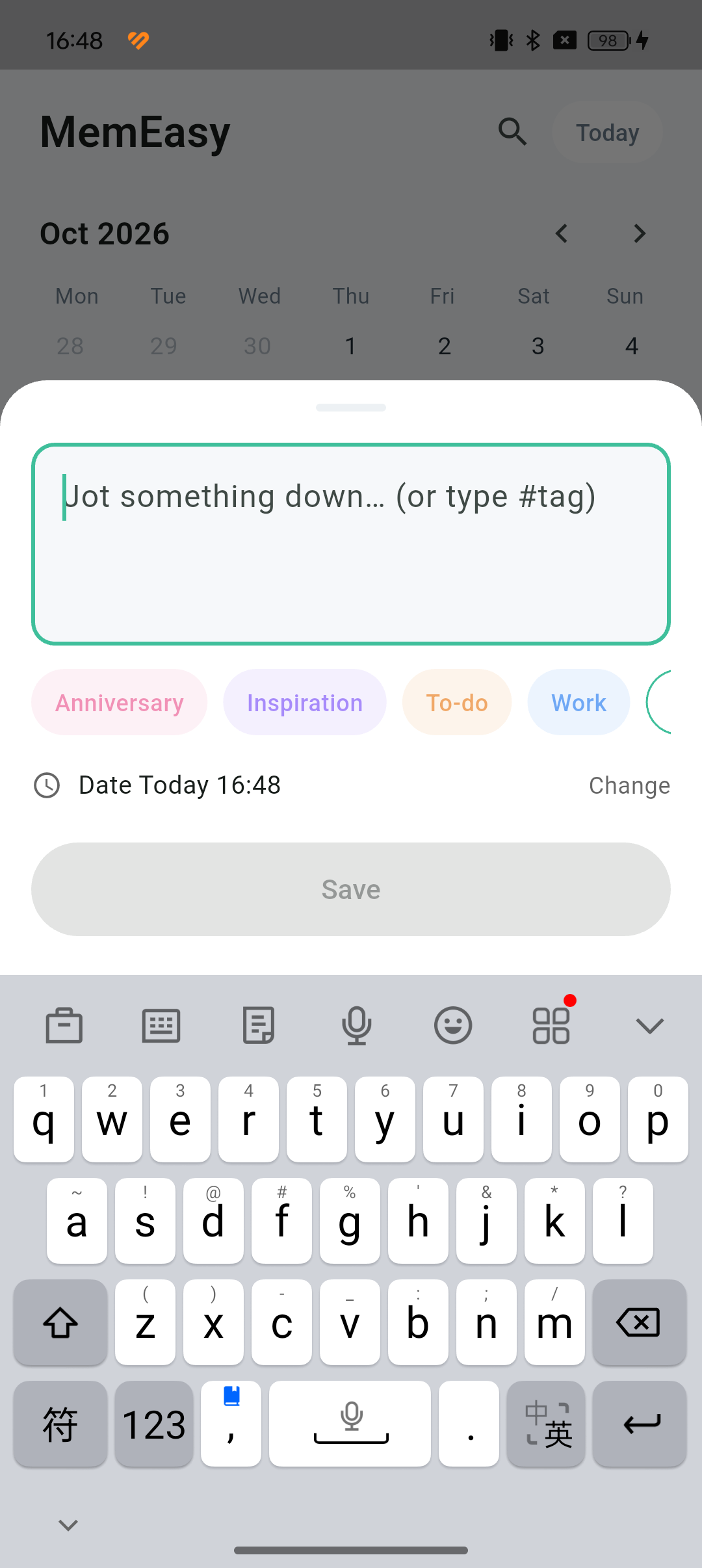
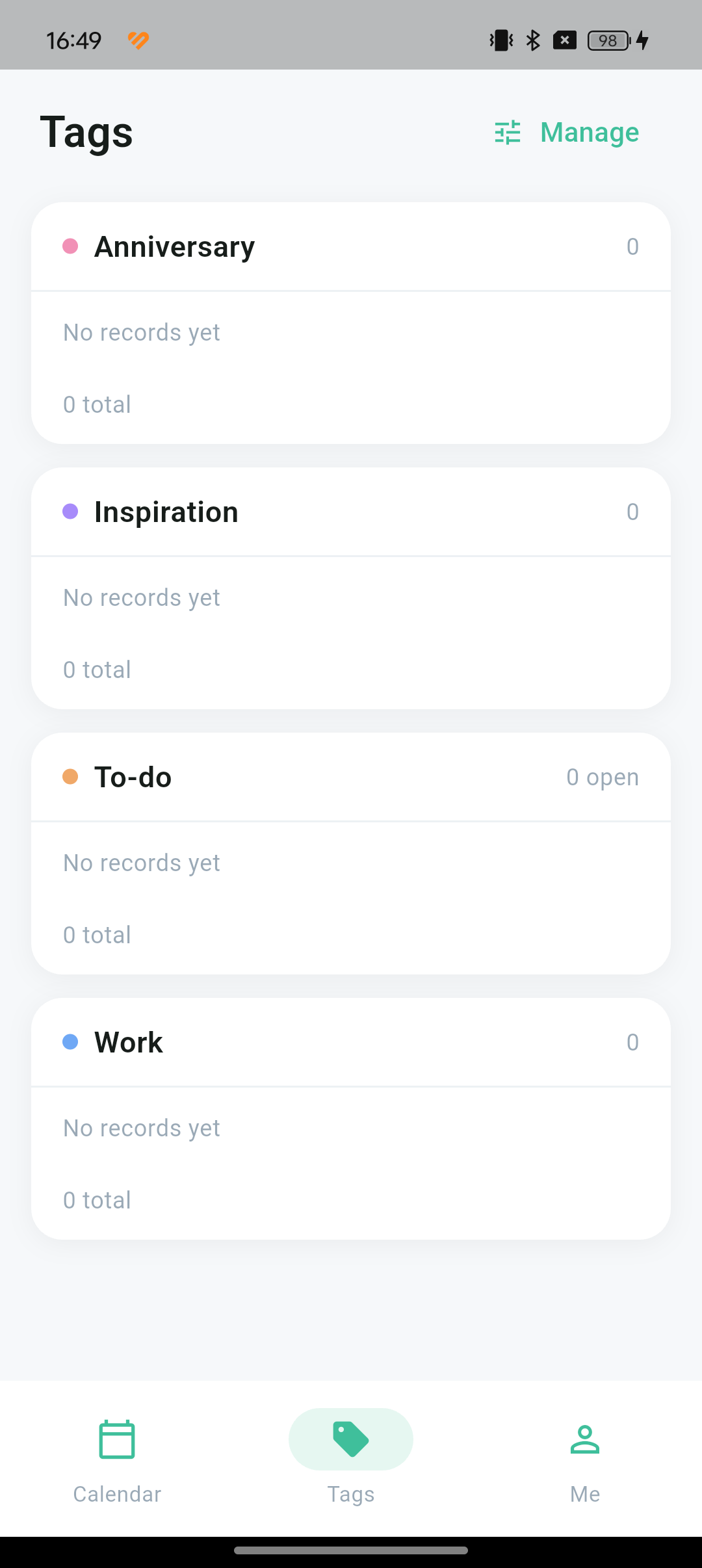
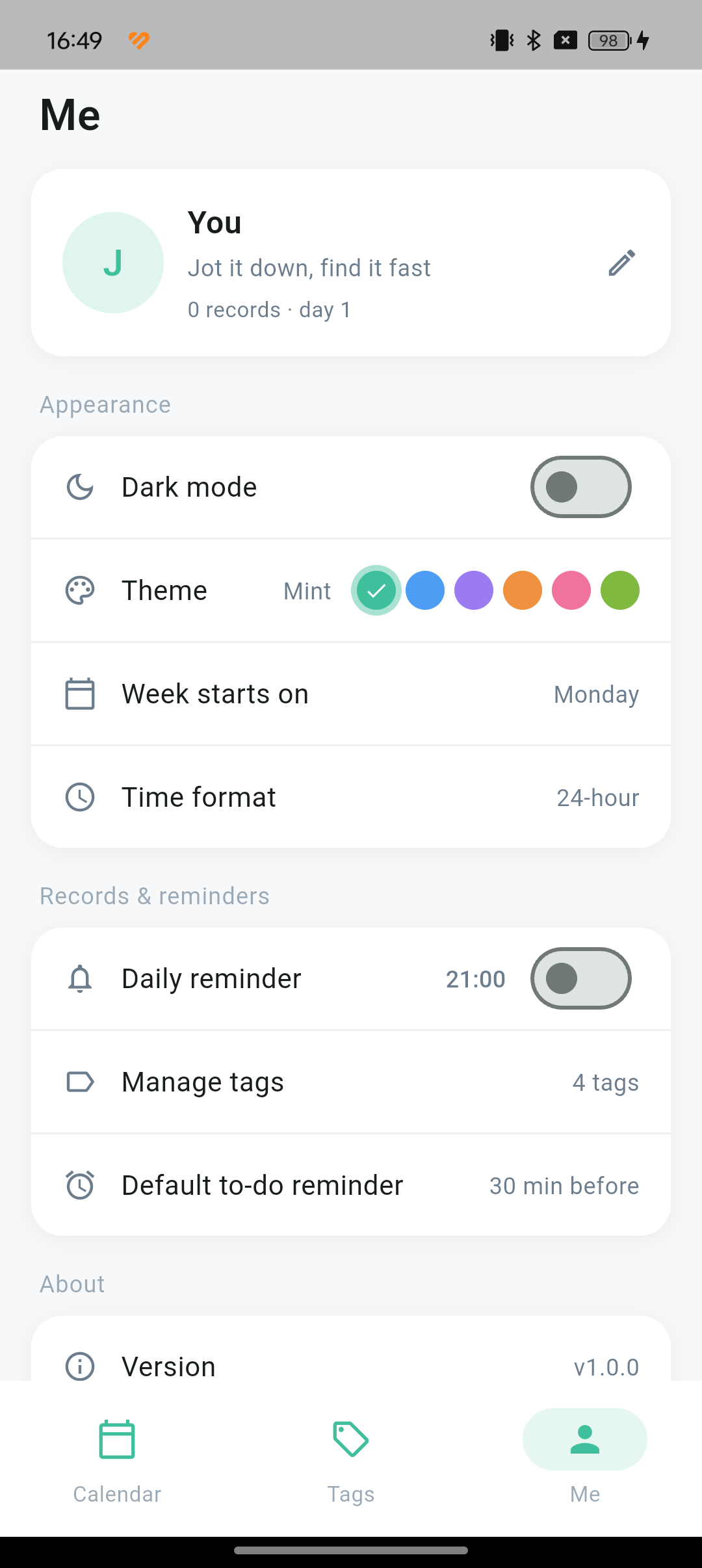
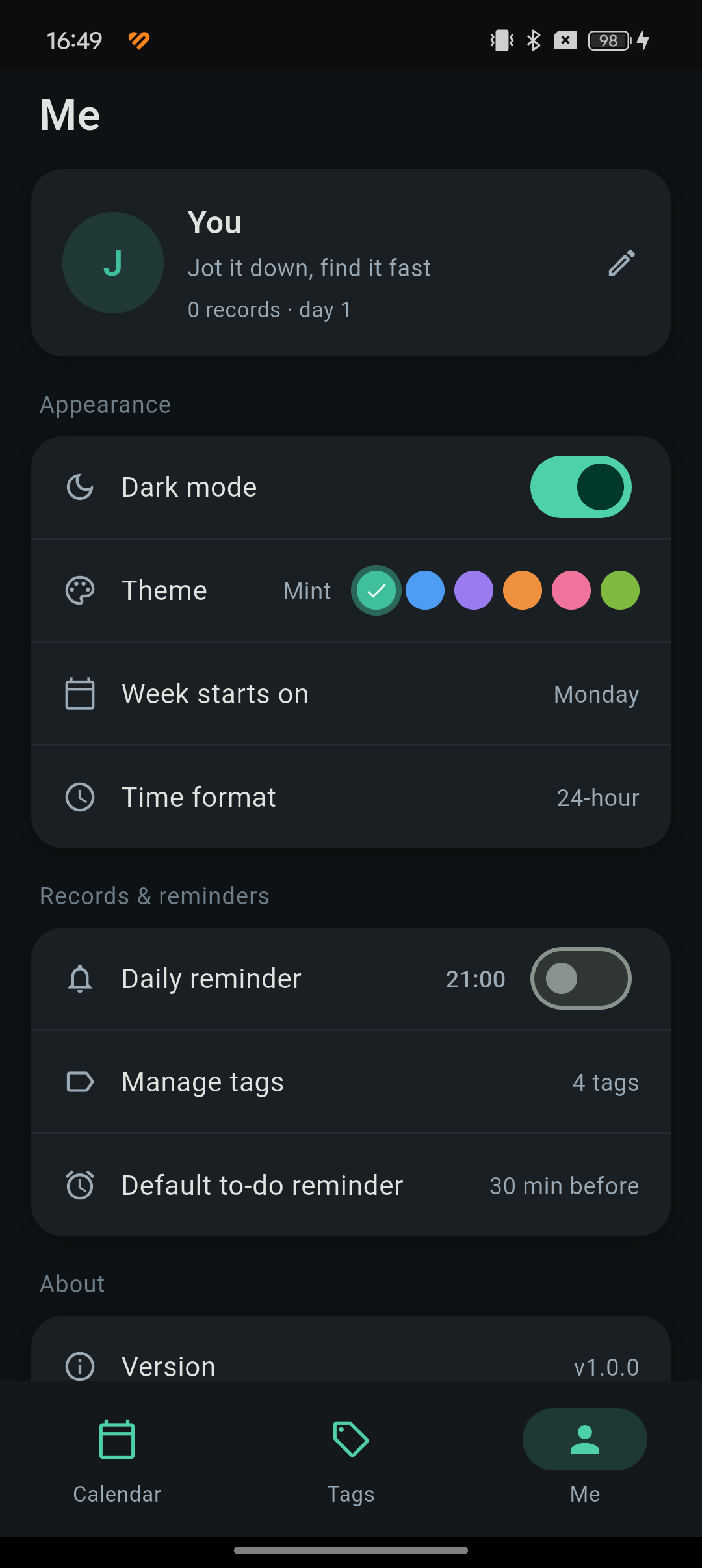
Scroll sideways to see every screen
No sign-in screen, no tutorial. Tap + and start typing — add #work and it files itself.
No network, no account. Nobody else can see them, and nothing gets synced anywhere.
Add a tag and everything with that tag gathers itself. The Tags page shows what you wrote recently.
Due times, reminders, repeating to-dos and anniversary countdowns — all in one place.
Swipe to delete, then tap undo within three seconds and it comes back where it was.
Search across tag names and the notes themselves, with the matches highlighted.
Months mark the days you wrote; each day opens a minute-precise timeline. Past dates can be filled in later
Pick a tag or create one inline; typing #tag files the entry automatically. Rename, recolour, reorder, hide, merge or delete — deleting a tag never deletes entries
Tick off, due time, reminders from 5 minutes to 1 day ahead; daily / weekly / monthly / yearly repeats with an end date; overdue counter
"Day N · in M days", repeating yearly, with reminders 1 / 3 / 7 / 15 / 30 days ahead or a custom 1–365 days
Tag names and entry text together, with match highlighting
Swipe or long-press to delete, with a 3-second undo — the entry returns to its original date
To-do reminders, daily writing reminder; re-registered automatically after restarting your phone
6 themes, dark mode, nickname and avatar, week start, 12/24-hour clock
Your phone will ask whether to allow the install — just tap allow.
Privacy policy: notes stay on your device, and the app declares no network permission.